
WinZO App Download: What Is WinZO and Where Can You Find WinZO
Searching for WinZO app download? Want to know what WinZO is, where to find the app and how to access the entertainment platform introduced by WinZO?
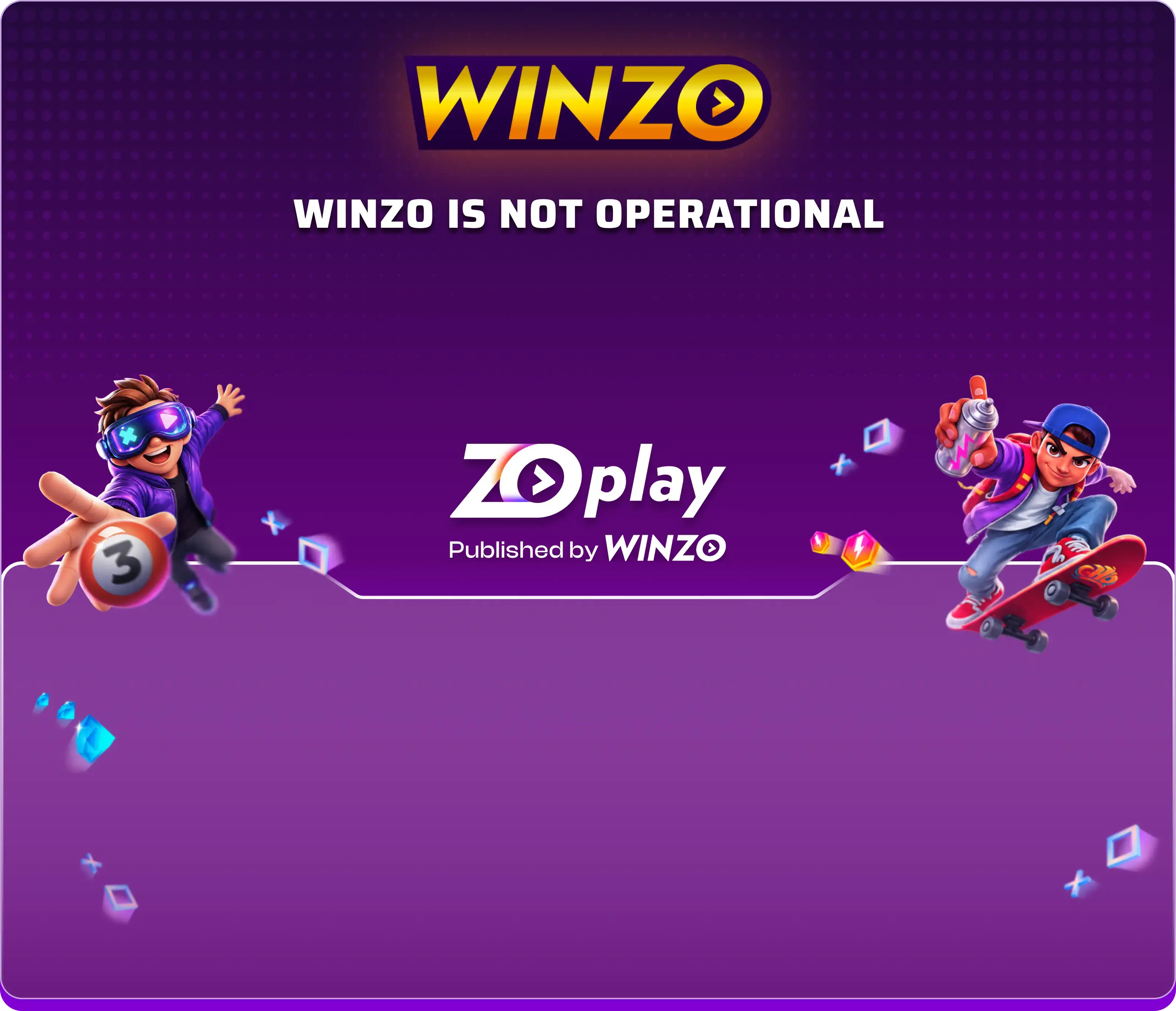
There is an important update for users looking for the WinZO app. WinZO is no longer operational as an entertainment platform. It is now focused on publishing and distributing other digital products.
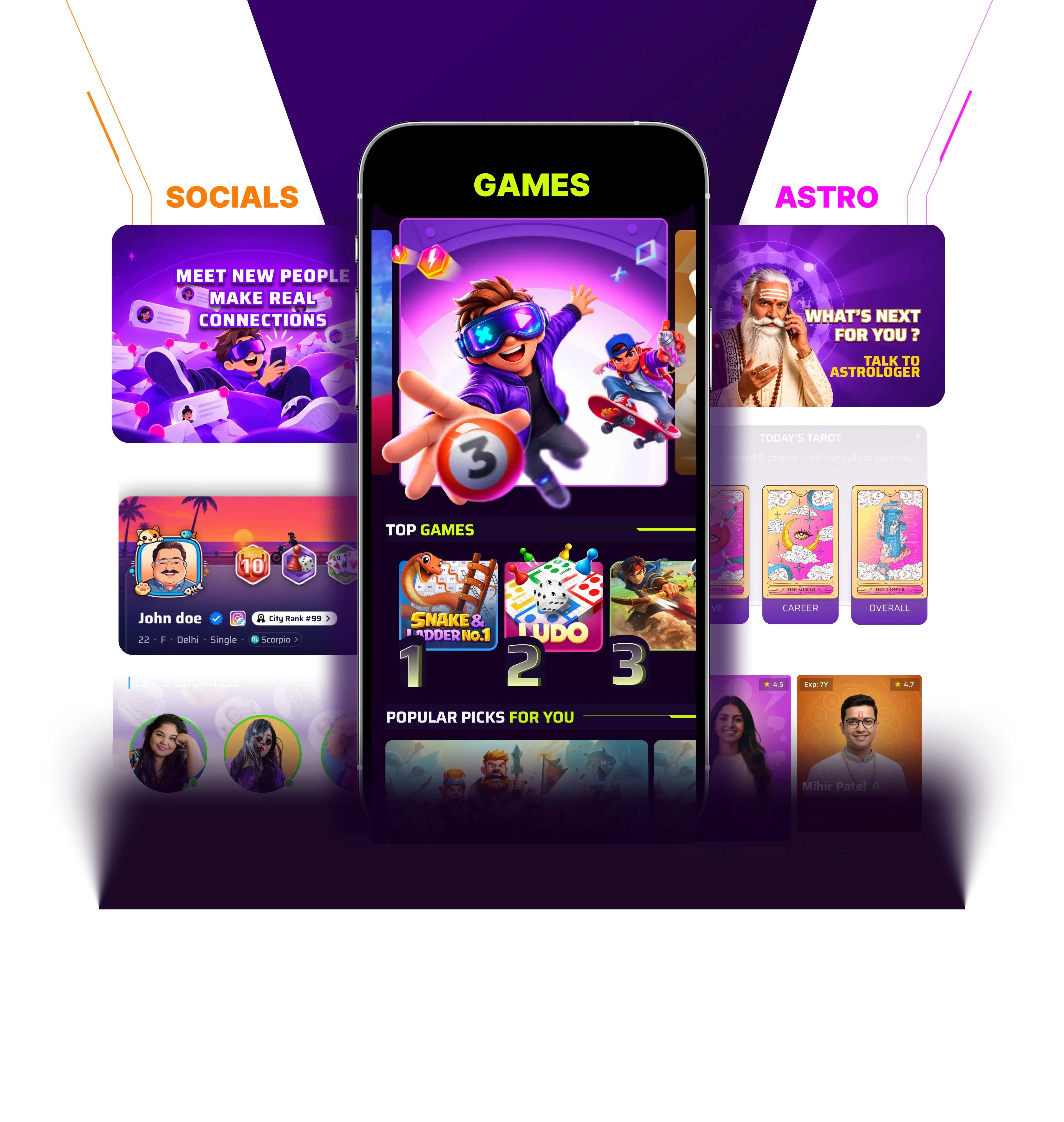
One of these products is ZO Play, an all-in-one entertainment app developed by ZO World and published by WinZO. It brings together casual games, astrology, microdramas and social experiences in one place.
In this guide, we explain what WinZO is, what has changed, where to find ZO Play and how to access it.
What Is WinZO?
WinZO is a digital products publisher and distributor. While users may remember WinZO as an entertainment platform, it is no longer operational in that capacity.
WinZO is now publishing and distributing other digital products, including ZO Play.
ZO Play is a product of ZO World, a separate company from WinZO. WinZO publishes and distributes the app, while ZO Play operates under its own terms of use, Auto Pay Terms & Conditions and Privacy Policy.
For users searching for WinZO app download, this distinction is important: the entertainment experience introduced by WinZO is now available through ZO Play.
What Is ZO Play?
ZO Play is an all-in-one entertainment app that brings multiple digital entertainment experiences together.
Instead of limiting itself to one type of content, the platform offers different categories that users can explore based on their interests.
1. Casual Games
Enjoy a range of casual games across different formats and categories. Users can explore available games and discover experiences suited to different preferences.
2. Astrology and Horoscope
Explore astrology-related content, including daily horoscopes, zodiac insights and tarot experiences. Whether you are interested in your zodiac sign or enjoy discovering astrology content, this section brings different experiences together.
3. Microdramas
Discover short-format stories through microdramas. These compact storytelling experiences offer engaging narratives that can be enjoyed in shorter viewing sessions.
4. Social Experiences
Explore interactive and social features available within ZO Play. These features add more ways to engage with the platform beyond games and content.
Where to Find the WinZO App?
If you are searching for the old WinZO entertainment app, it is important to know that the platform is no longer operational in its earlier form.
Users looking for the entertainment app introduced by WinZO can find ZO Play through the official WinZO transition page.
Here is how to access it:
- Visit the official WinZO platform.
- Read the announcement explaining the transition to ZO Play.
- Select the Continue button.
- You will be redirected to ZO Play’s platform.
- Follow the instructions available there to access the app.
You can also check the official Google Play Store listing for ZO Play, where available.
Always use official distribution channels rather than downloading application files from unknown websites.
How to Download the WinZO App on Android
If you are looking for the WinZO app download on Android, you can follow the transition process to access ZO Play.
Step 1: Visit the Official WinZO Website
Open the official WinZO platform on your Android smartphone. You will find an announcement explaining that WinZO is now publishing and distributing other digital products.
Step 2: Find the ZO Play Introduction
The transition page introduces ZO Play as an all-in-one entertainment app published by WinZO.
It also explains that ZO Play is a product of ZO World, a separate company from WinZO.
Step 3: Tap Continue
Select the Continue button displayed on the page. Before proceeding, review the information about ZO Play’s Terms of Use, Auto Pay Terms & Conditions and Privacy Policy.
Step 4: Access ZO Play
You will be redirected to ZO Play’s platform. Follow the installation or access instructions provided on the destination page.
Step 5: Open the App
Once you have completed the available installation process, open ZO Play and explore its entertainment categories.
Note: The exact installation route may depend on the distribution options currently provided by ZO Play. Use only the official download or app-store links.
Can You Download WinZO from Google Play Store?
Users searching for the old WinZO entertainment app should be aware that it is no longer operational in its previous form.
To find the entertainment platform introduced by WinZO, look for the official ZO Play app listing on Google Play Store.
Before installing, check the publisher information and ensure that you are accessing the correct application.
What Should You Know Before Using ZO Play?
Before accessing ZO Play, there are a few important points to understand.
- ZO Play is a product of ZO World, a separate company from WinZO.
- WinZO is the publisher of ZO Play.
- Your use of ZO Play is governed by its own Terms of Use and Privacy Policy.
- Certain content and features may be available through subscription-based access.
- Some experiences may include in-app purchases of diamonds. Diamonds are digital in-app items with no real-world monetary value and cannot be redeemed for cash or monetary rewards.
Users should review the applicable terms and purchase details within the app before subscribing or making an in-app purchase.
Frequently Asked Questions
1. What is WinZO?
WinZO is a company that now focuses on publishing and distributing digital products. It is no longer operational as an entertainment platform in its previous form.
2. How can I download the WinZO app?
WinZO is no longer operational as an entertainment platform. If you are looking for the entertainment app introduced by WinZO, visit its official transition page and select Continue to access ZO Play.
3. Where can I find the WinZO app?
Users looking for the former WinZO entertainment platform can visit the official WinZO website and follow the redirection to ZO Play.
4. What is ZO Play?
ZO Play is an all-in-one entertainment app offering casual games, astrology, microdramas and social experiences. It is a product of ZO World and is published by WinZO.
5. Is ZO Play the new WinZO app?
ZO Play is not the same company or product as the former WinZO entertainment platform. It is a separate product of ZO World, published by WinZO.
6. How do I access ZO Play?
Visit the official WinZO transition page, select Continue and follow the instructions to access ZO Play.
7. What entertainment options are available on ZO Play?
ZO Play offers casual games, astrology-related content, microdramas and social features.
8. Does ZO Play offer astrology and horoscopes?
Yes. Users can explore astrology-related content, including daily horoscopes, zodiac insights and tarot experiences.
9. Does ZO Play have a subscription?
Certain content and features on ZO Play are available through subscription-based access. Refer to the app for the applicable subscription details.
10. Are diamonds in ZO Play real money?
No. Diamonds are digital in-app items with no real-world monetary value. They cannot be converted into cash or monetary rewards.
Explore ZO Play, Published by WinZO
If you have been searching for WinZO app download, it is worth knowing about the transition to ZO Play.
With casual games, astrology, microdramas and social experiences, ZO Play brings different forms of digital entertainment together in one application.
My name is Anna Möller and these are some of my photo projects.
Sorry, but nothing was found. Please try a search with different keywords.
Sorry, but nothing was found. Please try a search with different keywords.
Sorry, but nothing was found. Please try a search with different keywords.
Sorry, but nothing was found. Please try a search with different keywords.
Twenty Twenty-Five
email@example.com
+1 555 349 1806